Data access and security
Define file permissions, sensitive data storage, and integration access. Test the agreed controls with representative files and devices before deployment.
Custom software engineering for business
Still moving files between tools or repeating the same steps every morning? Give your team a Windows or Mac app built around the way they actually work, including the moments they are offline.
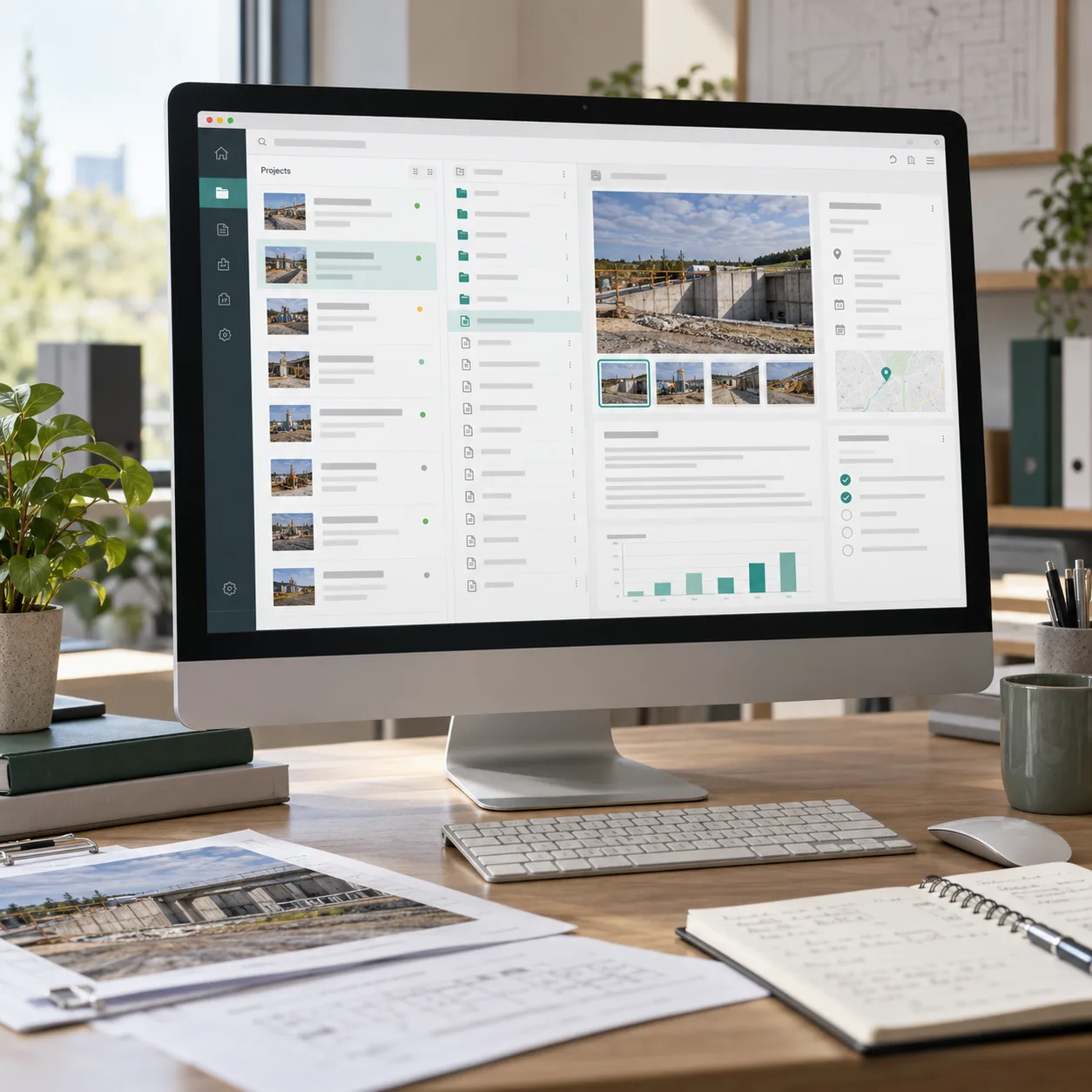
Your desktop development partner.
From technical scoping through deployment and handover.
Our desktop application development services help US and international businesses replace a defined manual workflow in 59 days. Bring your files, devices, and access requirements. We agree on what must work, test it on your target computers, and hand over the code with installation guidance.
Fewer repeated steps. Files where you need them. Software your team owns.
Simplify my workflow (opens in a new tab)Map business workflows, existing systems, supported operating systems, and data access before agreeing on scope.
Agree on permissions, sensitive data handling, expected workloads, and performance targets for your deployment.
Test the agreed workflows on target systems, review acceptance criteria with your team, and plan installation and updates.
The first release should work with your team’s computers, files, and connection needs. We agree on these practical requirements before they become surprises during rollout.
Define file permissions, sensitive data storage, and integration access. Test the agreed controls with representative files and devices before deployment.
Decide what stays available without internet and what happens when changes need to sync or conflict.
Plan how your team installs the app, receives updates, and gets support on each agreed platform.
The handover covers the agreed application, installation guidance, code ownership, and documented next steps.
You bring the business context. We turn it into an agreed plan, reviewable progress, and a practical handover.
Show us the workflow, sample files, and computers involved. We define what must work online, offline, and across platforms.
What you get: An agreed workflow, supported-platform list, and cost proposal.
We build in milestones so your team can try the core task on the target systems. We review feedback and explain any scope changes before proceeding.
What you get: An app shaped around actual use, with visible progress.
We test installation, file handling, and the agreed offline behaviour. Update delivery, code ownership, and support are covered in the handover plan.
What you get: Your application, installation guidance, and documented next steps.
Clear answers before the first commitment.
Yes. Arahita Labs is an India-based development company working remotely with US and international businesses. We agree on communication schedules, engineering milestones, supported platforms, and handover requirements during project scoping.
We scope access permissions, data storage, integrations, expected workloads, and performance targets before development. Security controls and acceptance tests are agreed for your application. You receive full source code ownership and documentation at handover; ongoing support is scoped separately.
Yes, where the workflow supports it. We identify what can happen locally, what needs a connection, and how to handle syncing or conflicting changes.
Yes. We plan cross-platform desktop app development around your workflow. Hardware access, operating-system versions, signing, and distribution can affect the work, so we agree on the supported platforms before estimating.
We scope custom desktop software around your team's users, access permissions, data volumes, and existing systems. Share your integration and security requirements so we can assess feasibility, define acceptance criteria, and propose a delivery plan.
Share representative files and device requirements. We review compatibility and any access restrictions before committing to an integration.
We agree on a distribution and update approach for your users. Automatic updates, store distribution, or managed internal installs can be included where appropriate.
Book a 30-minute discovery call with Arahita Labs to review your business requirements, technical constraints, and rollout priorities. Get a clear next step toward a scoped proposal.
Free discovery call. Plain English. No commitment to a project.